> For the complete documentation index, see [llms.txt](https://key4-ua.hideez.com/llms.txt). Markdown versions of documentation pages are available by appending `.md` to page URLs; this page is available as [Markdown](https://key4-ua.hideez.com/kerivnictvo-koristuvacha-hideez-key-v-komplekti-z-bluetooth-adapterom/vault-settings/untitled-1.md).
# Налаштування доступу
Hideez Key — Налаштування доступу
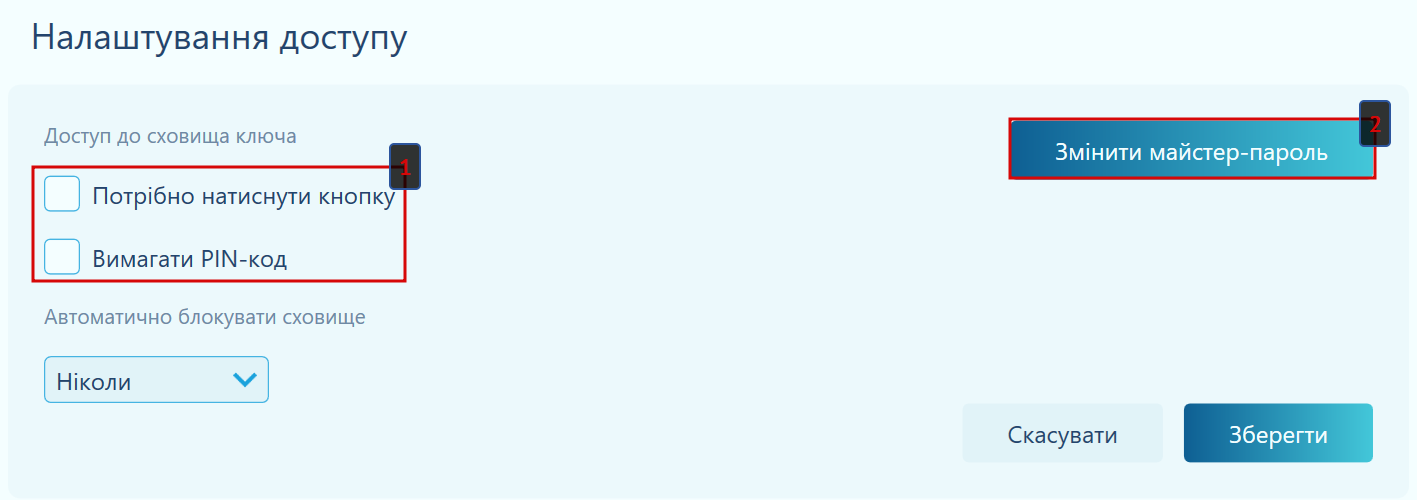
У цьому розділі налаштувань Ви можете:
(1) - задати яку **дію** має виконати користувач[ **для доступу до менеджера паролів**:](/kerivnictvo-koristuvacha-hideez-key-v-komplekti-z-bluetooth-adapterom/vault-settings/untitled-1.md) presатиснути кнопку на Hideez Key, або ввести PIN-код, або обидва варіанти.
(2) - [**змінити майстер-пароль**](/kerivnictvo-koristuvacha-hideez-key-v-komplekti-z-bluetooth-adapterom/vault-settings/change-master-password.md), який було задано при встановленні Hideez Client.
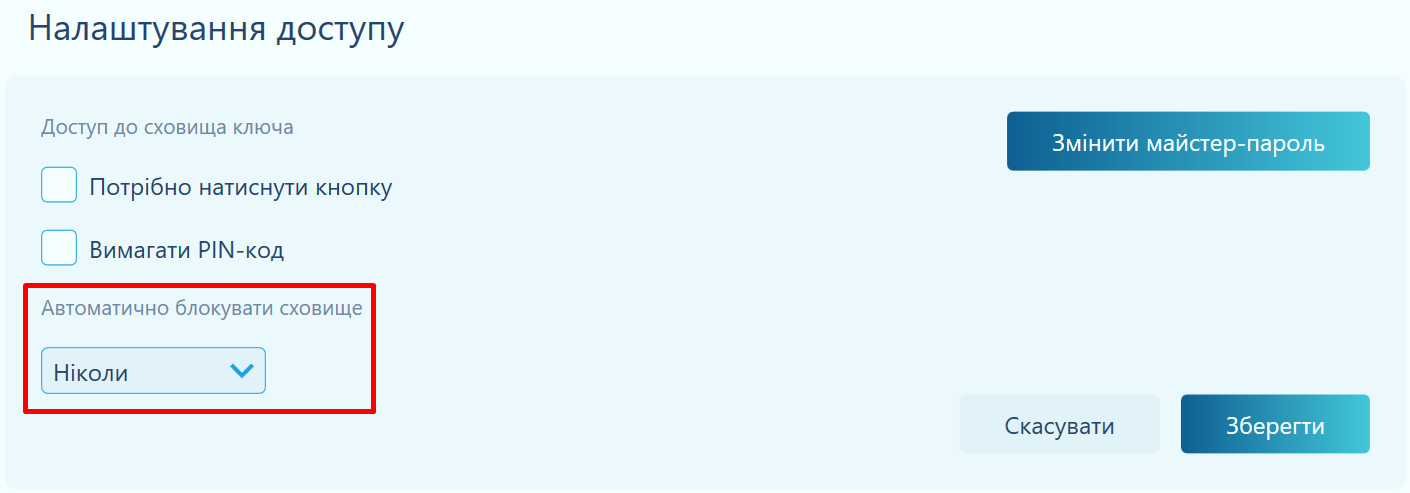
Також у цьому розділі Ви можете налаштувати час блокування сховища. Це час, через який Ви мусимете повторно розблокувати ключ заданою дією (натиском кнопки чи введенням PIN-коду).
У спадному списку є 8 варіантів:

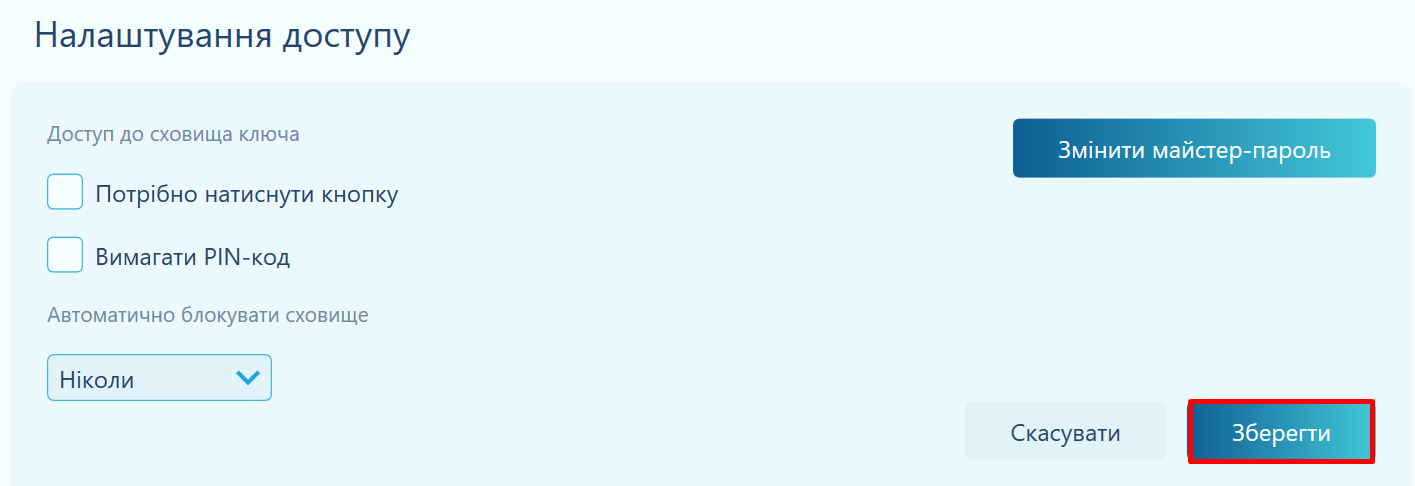
Не забудьте зберегти ваші зміни натиском кнопки **Зберегти**.
{% embed url="" %}